Simple Animation in Matlab
The idea is to store every figure as a frame of the ‘movie’, with each frame stored as a column vector of a matrix, an then play all the frames on the screen. moviein(nr_frames):
we initialize the matrix that will keep the frames, with the
number of frames to
be generated. getframe:
with this instruction we keep the information of a given figure and
‘load’ a
temporary matrix with information. movie(matrix,
times, FPS): this is used to play the movie after
its generation. Parameter
‘matrix’ is the saved data, ‘times’ the number of times that the movie
will be
played back, and ‘FPS’ means ‘frames per second’ (the default is 12). Let’s
try this simple animation example: %
Define number of frames %
Generate frames with any plotting function. %
Save the matrix so that this movie can be loaded later This is the first frame of the recording: 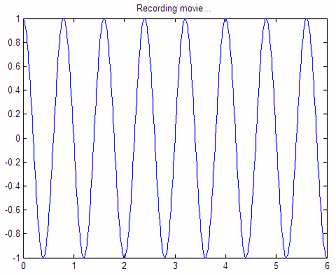 Now you
can play back the movie: %
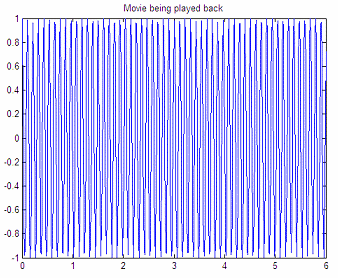
Play the movie once, 2 FPS. This is the last frame of the animation:
Done! From 'Simple Animation' to home From 'Simple Animation' to 2D Menu
|